
How to Share Your iPhone Screenshots on Vlibe
October 19, 2026
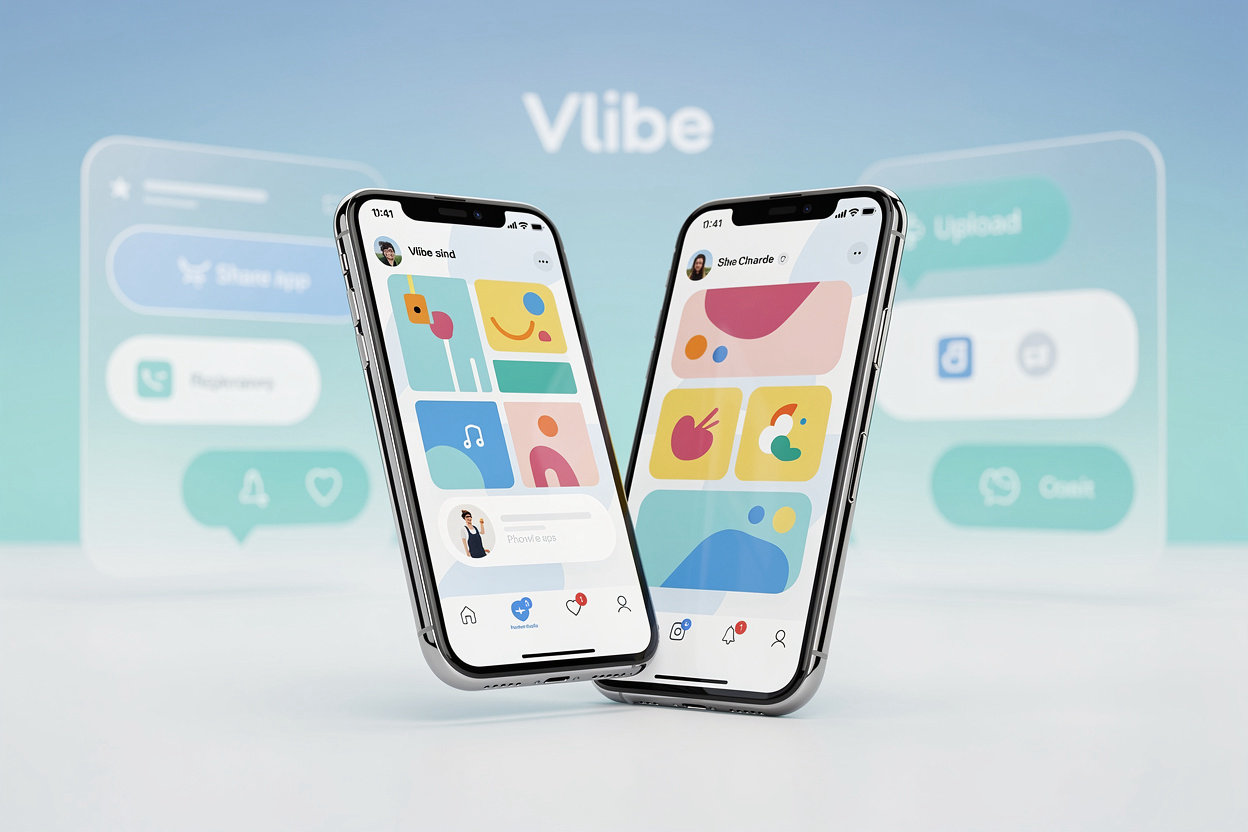
Most people take a screenshot without thinking about it. Maybe a game hit a new level, or a budgeting app finally made sense of your spending. Vlibe is built for exactly those moments, so here is how to get them off your phone and onto your profile.
Uploading from your iPhone
Open Vlibe and tap the upload button. You can pick several screenshots at once from your photo library, which helps if you have been collecting a few from the same app. Vlibe takes iOS screenshots directly, so you do not need to crop or resize anything first.
Add a short caption if you want. A line like "Week three of the streak, still going" gives people something to react to. Then choose which app the screenshot belongs to. This matters, because the screenshot will show up in that app's feed as well as on your profile.
Tagging the right app
If an app is not showing up when you search, check the spelling and try the developer name. Some apps have a short name and a longer store name, and the search works better with the shorter one. Once you pick the app, your screenshot appears alongside everyone else who posted from it.
What happens after you post
Friends who follow you will see the screenshot in their activity. Anyone browsing that app's feed can like or comment on it. Comments are where things get interesting. People ask how you unlocked a feature, or point out a setting you missed. Reply to them. That is most of what makes the place useful.
If a screenshot gets no reaction, that is normal. Try posting from apps your friends also use, since they are more likely to engage.
A few tips
Keep your captions short. Post the screenshots that show something real, not just the home screen. And if you are sharing a personal score or progress, remember that your profile is visible to everyone you have invited, so think about what you want to show.