
Friends Feed
See What Your Friends Are Using
Ever wondered which game your friend is stuck on or which photo editor they swear by? On Vlibe, you don't have to ask. Follow friends app activity in one place and see the screenshots they share as they happen.
Your friends' screenshots appear together in a single feed, so the apps they love are always a scroll away. No group chats, no guessing, just the apps your people are actually using.
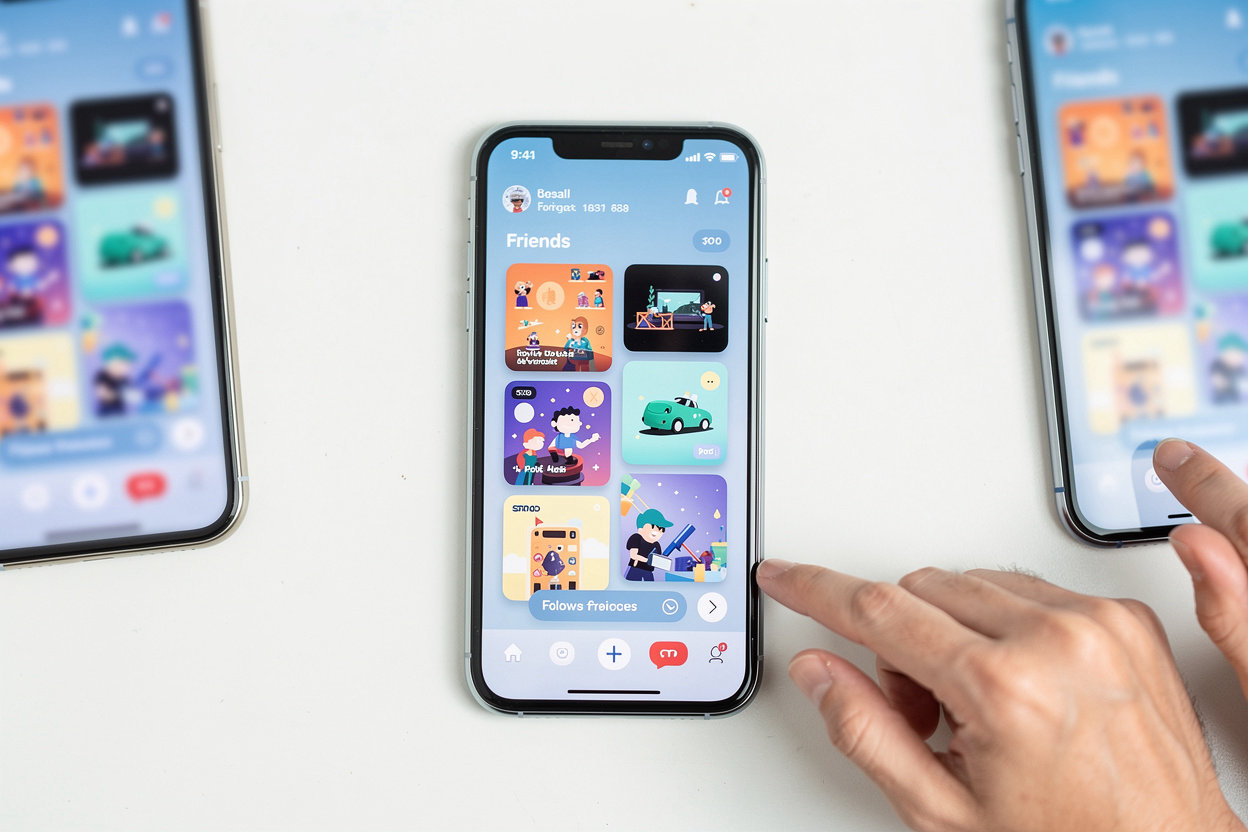
Your Friends Feed, Built Around Apps
Your feed fills with what your friends are actually using. Screenshots, app picks and reactions show up in one place, so you learn about a new app from someone you trust rather than from an ad or a chart. Ready to see it yourself? Learn how to share your first screenshot.
- Screenshots of apps your friends share
- Apps added to their profiles
- Likes and comments on app moments
- App-specific feeds you can open from a friend's post
Why Friends Make Better App Recommendations
App charts and ads tell you what is popular or what someone paid to show you. A friend who actually uses an app tells you something more useful: whether it fits the way you play, work, or unwind. When your friend posts a screenshot of a level they cleared or a feature they rely on, you are seeing real use, not a ranking.
That is the idea behind following friends on Vlibe. Your feed is shaped by people you already trust, so the apps that show up there have earned their place through everyday use. Vlibe is a social network for app screenshots, built so those honest recommendations are easy to see, talk about, and act on.
Seeing an app in a friend's hands is more persuasive than any store listing.
Want to see what your friends are already using? Learn how to share your own screenshots and start the conversation.
message