
The Vlibe Feed
A Social Feed Made of App Screenshots
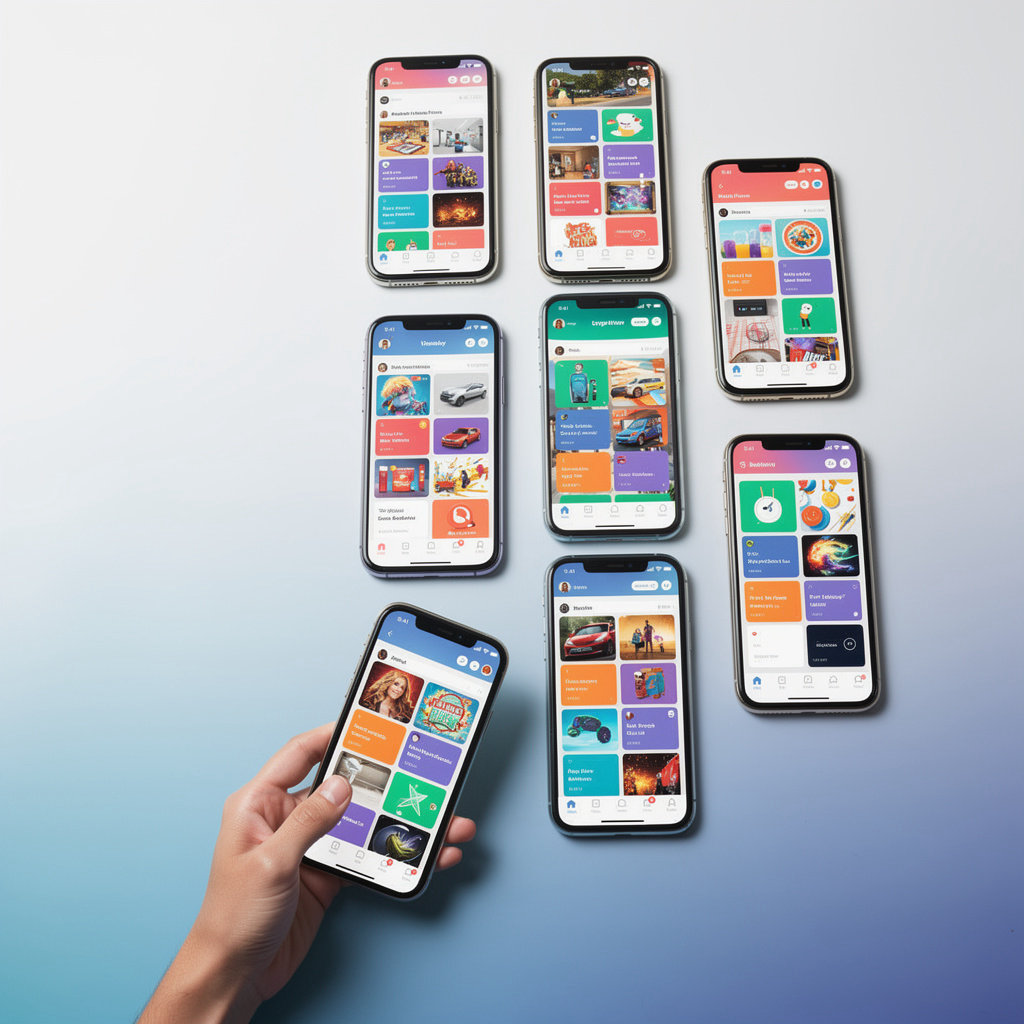
Vlibe is a social network for apps. Every post is a screenshot, and every screenshot points back to the app that made the moment worth sharing.
Scroll the feed and you see what the community is sharing right now: a high score, a clever menu, a tool someone couldn't stop using. The apps sit at the center of every post, not buried under captions or ads.
- A feed built entirely around app screenshots
- Browse what the community is sharing
- Visual first, with apps at the center
Engage With Every Screenshot
Every screenshot on Vlibe is a conversation waiting to happen. Like the moments that make you smile, leave a comment about the level you just beat or the feature you can't live without, and open the app-specific feed to see who else is into the same thing.
Like
Tap like on any screenshot that catches your eye, from a high score to a clever feature tip.
Comment
Leave a comment on any app screenshot to ask a question or start a conversation with the person who shared it.
Open app feeds
Jump from any post into that app's feed to see every screenshot shared for it.
Follow
Follow the people whose app picks you trust, so their next screenshot shows up in your feed.
Questions People Ask About Commenting and the Feed
Quick answers on how commenting works and what shows up in your feed, so you can start talking about the apps you love without guessing. Vlibe is a social network for apps, and the feed is built around the screenshots people share.
How do I comment on app screenshots?
Open any screenshot in the feed and tap the comment option beneath it. Type what you think, and your comment appears under the screenshot for everyone to read and reply to.
Is there a social network just for app screenshots?
Yes. Vlibe is a social network built around apps, where screenshots, app profiles, and app-specific feeds all sit in one place. It works as a social app for app discovery, so you can see what people use and talk about it.
How do app-specific feeds work?
Tap an app name on any post to open a feed of every screenshot shared for that app. It is a quick way to see how others use an app before you decide to try it. For more on finding apps through people you trust, see how to discover apps with friends on Vlibe.