
Built for apps
Features Built Around App Moments
Vlibe is a social network made for apps and the moments inside them. A high score, a favorite feature, a tool you finally figured out: those are the things people want to show their friends, and every feature here is built to make that easy.
Each feature supports one of three things: sharing the apps you use, following what your friends are using, or discovering new apps through people you trust. Nothing is built around ads or charts. The screenshots and the feeds they fill are the heart of the experience, from the iPhone screenshot you upload to the friends feed you scroll through each morning.
The core loop
Share a screenshot, follow the people who share apps you like, and find the next app worth downloading. Six core features make that loop work, and each one is covered in detail below.
Six Ways to Share and Find Apps
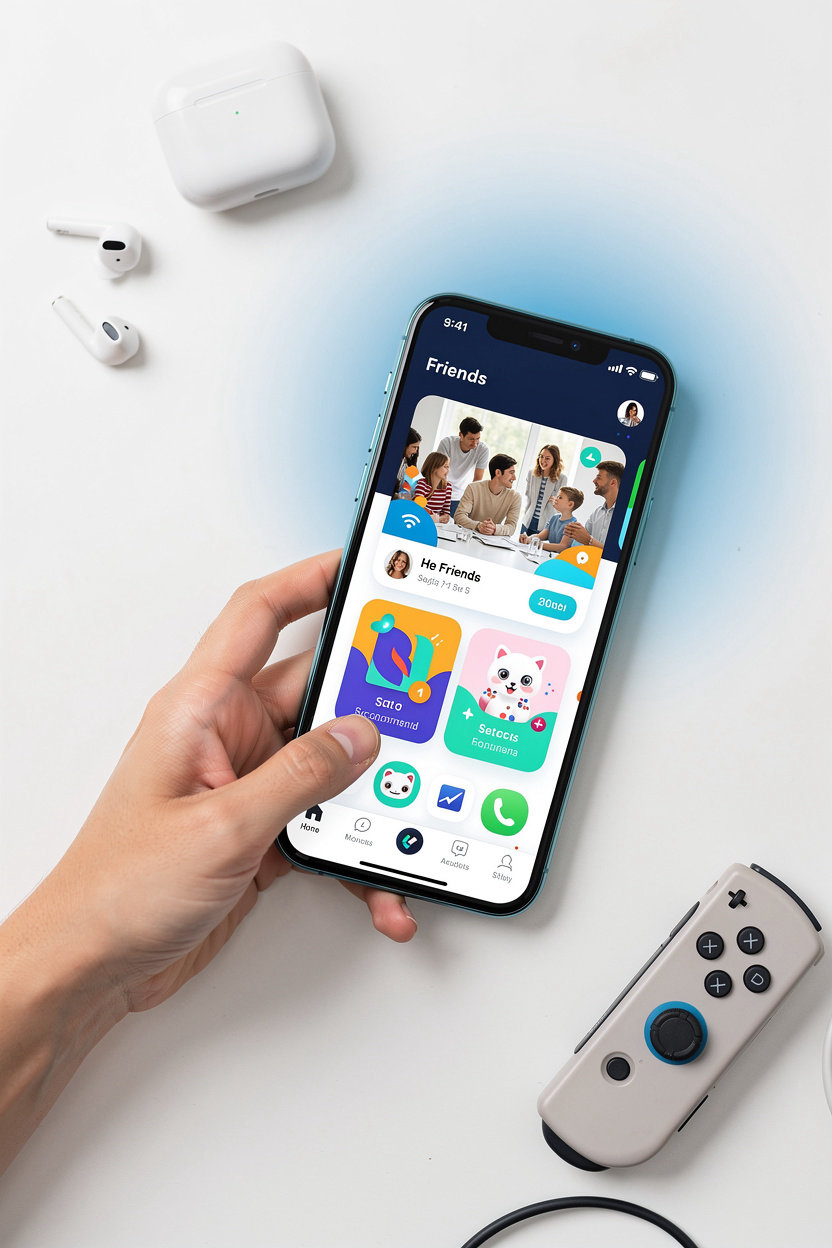
Vlibe is built around the apps you already use. Share the screenshots that matter, follow what your friends are into, and discover new apps through people you trust.
Share Screenshots
Upload iOS screenshots and share the app moments worth showing off, from high scores to favorite features.
Follow Friends
See which apps your friends use and share, all in one feed instead of scattered group chats.
Discover Apps
Find popular apps from around the world and pick up recommendations from people whose taste you trust.
App Screenshot Feed
Scroll a visual feed of app screenshots and open app-specific feeds to go deeper on the apps you love.
Profiles and Invites
Add your favorite apps to your profile and invite friends via Facebook so they can follow along.
Comment and Like
Like screenshots that catch your eye and comment to start conversations about the apps people are sharing.
Start sharing your first screenshot
Got a high score, a favorite feature, or an app you can't stop talking about? That's the moment to share it. Vlibe is a social network for app screenshots, so your friends can see exactly what you're using and why.
Message us on Messenger and tell us which app you want to start with. We'll help you get your first screenshot up and find the friends already sharing the apps you love.
Tell us which app you want to share first.
Ready to see how it works? Read how to upload iPhone screenshots step by step, or explore the app screenshot feed to see what the community is sharing.
message