
Your Profile Showcase
Your Profile, Your Favorite Apps
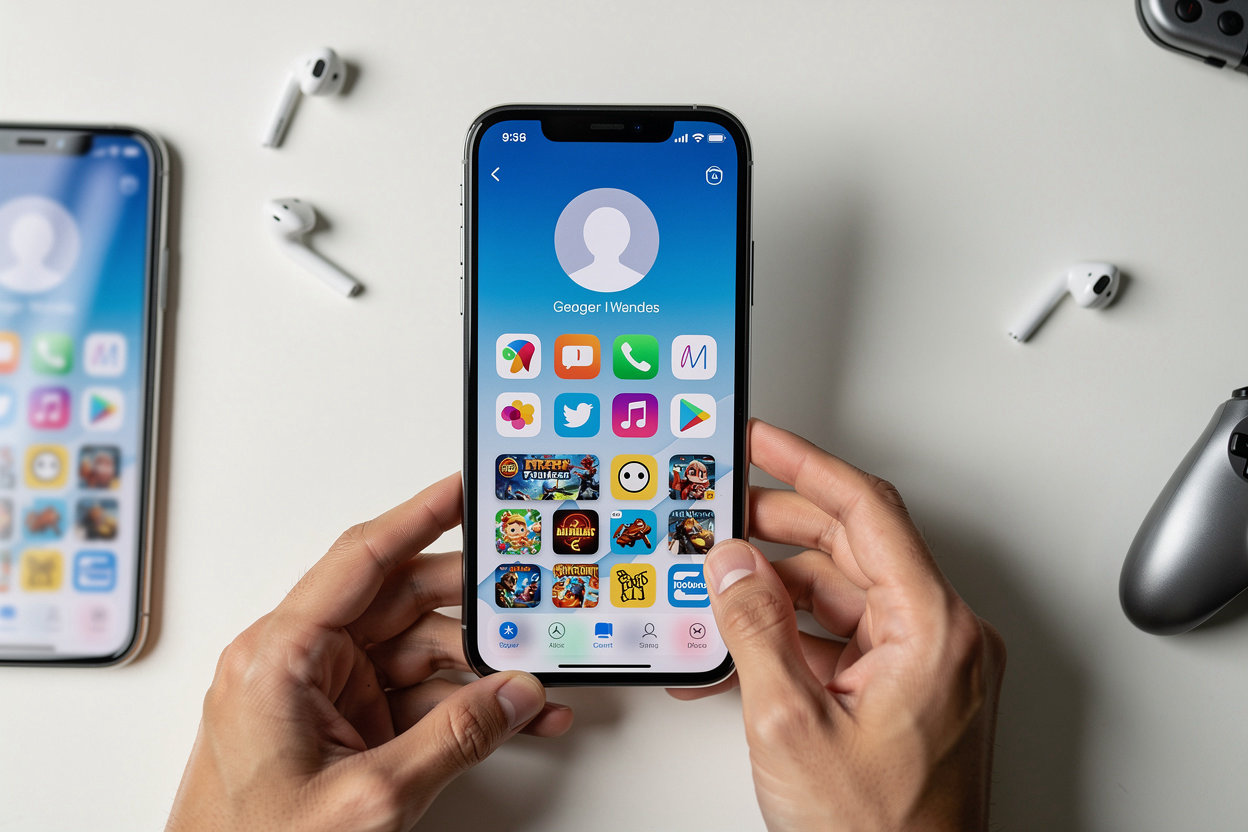
Your Vlibe profile is a personal showcase of the apps you love. Add apps to profile in a few taps, and the games and tools you use every day sit right where friends can see them, next to the screenshots that capture your best moments.
Friends can visit your profile, see what you use and share, and follow you to keep up with new finds. It is the simplest way to show people what you are playing and discover apps through people you trust.
Invite Friends via Facebook
Vlibe is more fun with the people you already know. Bring your Facebook friends in, and you can start following each other's app activity right away. Here is how it works.
-
1
Sign in with Facebook
Use your Facebook account to join, so there is no new password to remember.
-
2
Choose friends to invite
Pick the friends who already share your taste in apps and games, and send them an invite in a tap.
-
3
Follow each other's app activity
Once friends join, their screenshots and app picks land in your feed, so you can follow friends' app activity from day one. Want more on how that feed works? See how to follow friends' app activity on Vlibe.
You decide which apps people see
Not every app belongs on your public profile. Vlibe lets you choose what shows, what stays hidden, and which screenshots you share, so you can post freely without second-guessing.
- Pick your showcase apps. Add only the apps you want to put forward.
- Hide private apps. Keep personal or sensitive apps off your public profile.
- Choose what you share. Upload only the iPhone screenshots you want friends to see.
Ready to set up your own profile? Read the full guide to privacy and private app controls, or message Vlibe on Messenger with any questions.