
Your privacy, your choice
Share only the apps you choose
On Vlibe, you decide which apps are visible to the people around you. Some apps are personal, and some you simply want to keep to yourself. That's fine. Vlibe is built so that sharing always feels like a choice, never a default you have to undo.
Hide private apps from your profile so they never appear publicly, and control what you share with friends screenshot by screenshot. Still, you get the good part: follow friends' app activity and discover apps with friends through the people you already trust.
- You decide which apps are visible. Nothing goes public until you add it.
- Hide private apps from your profile. Keep personal favorites off your public page.
- Control what you share with friends. Pick which screenshots reach your feed.
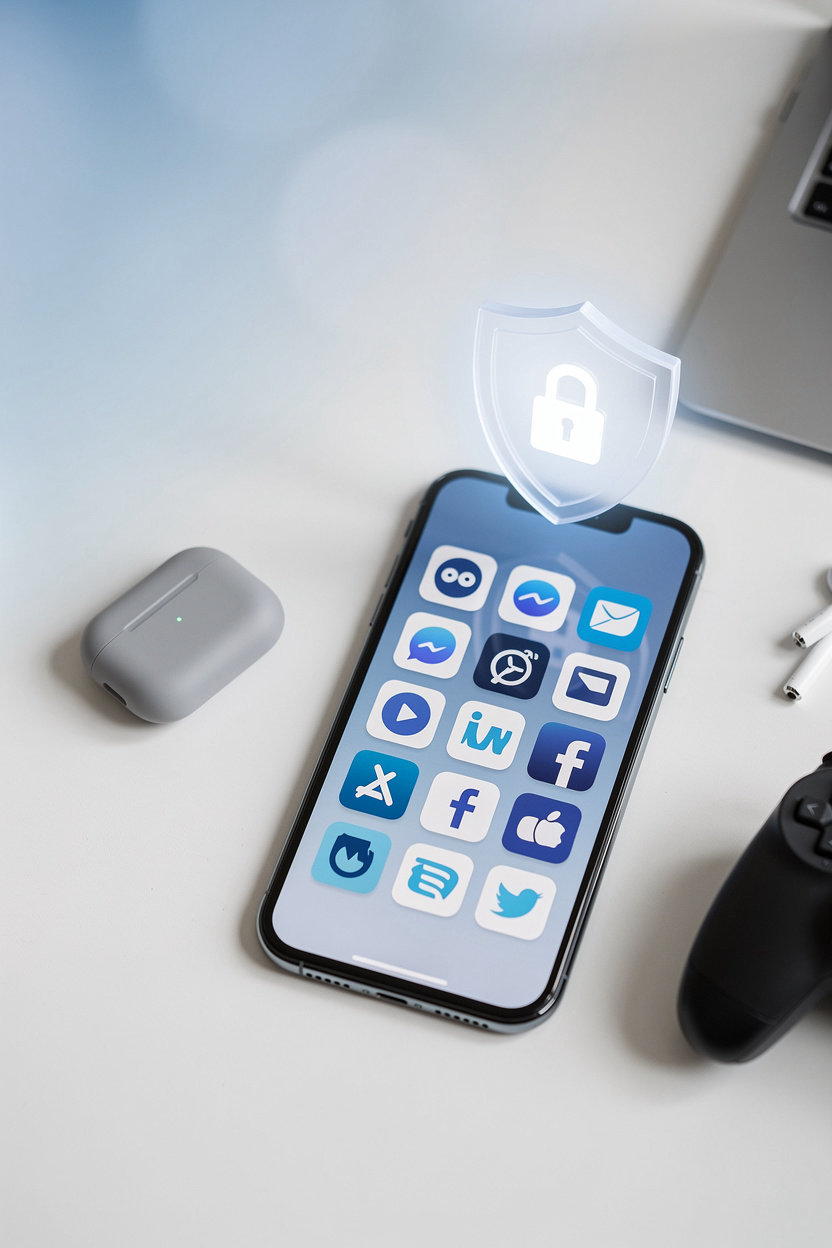
Your Apps, Your Choice
Not every app you use is one you want to show off. Some are games you play late at night, some are tools you rely on for work, and some are simply personal. On Vlibe, you decide which of those belong on your profile and which stay out of sight. Sharing should feel like a choice you make each time, not a default you have to undo.
That is why private app controls sit at the heart of how Vlibe works. Hide an app from your profile and it stays off your public page while you keep using it as you normally would. Pick the screenshots you want friends to see, and leave the rest in your own library. The goal is simple: you get the fun of sharing your favorite apps with people you trust, without giving up the parts of your phone that are yours alone.
Sharing should always feel like a choice.
Want the specifics? See how to add apps to your profile and invite friends, or message us on Messenger at m.me/vlibe with any question about what stays private.
Privacy Questions Answered
Thinking twice before you share an app screenshot is smart. Here are straight answers to the privacy questions we hear most often, so you can decide what goes on your profile with confidence.
How do I hide a private app?
Mark any app as private and it stays off your public profile, while the rest of your shared screenshots and apps remain visible as you set them. You can change this at any time. For step-by-step help, message Vlibe on Messenger.
Who can see the apps on my profile?
Your profile shows the apps you choose to add, and friends who follow you see your app activity in their feed. Apps you hide do not appear publicly. If you are unsure how visibility works for your account, message Vlibe on Messenger and we will walk you through it.
Can I choose which screenshots I share?
Yes. Sharing a screenshot is always your decision: you pick the image you upload and the app it belongs to. Nothing is posted from your phone without you choosing it first.